

How do I sign up for Centilio Sign?
 Getting Started Guide⏱️ 2 min read
Signing up for Centilio Sign is quick and easy. Follow these steps to create your account and start your free trial:
- Visit the Centilio website at www.centilio.com
- Click on the 'Sign Up' button located at the top right corner of the homepage
- Enter your email address and create a secure password. Make sure your password is strong and includes a mix of letters, numbers, and special characters.
- Complete the registration form with your personal or business details including your name, company name (if applicable), and phone number.
- Click 'Create Account' to finish the registration process
Centilio Sign Up Page Preview:
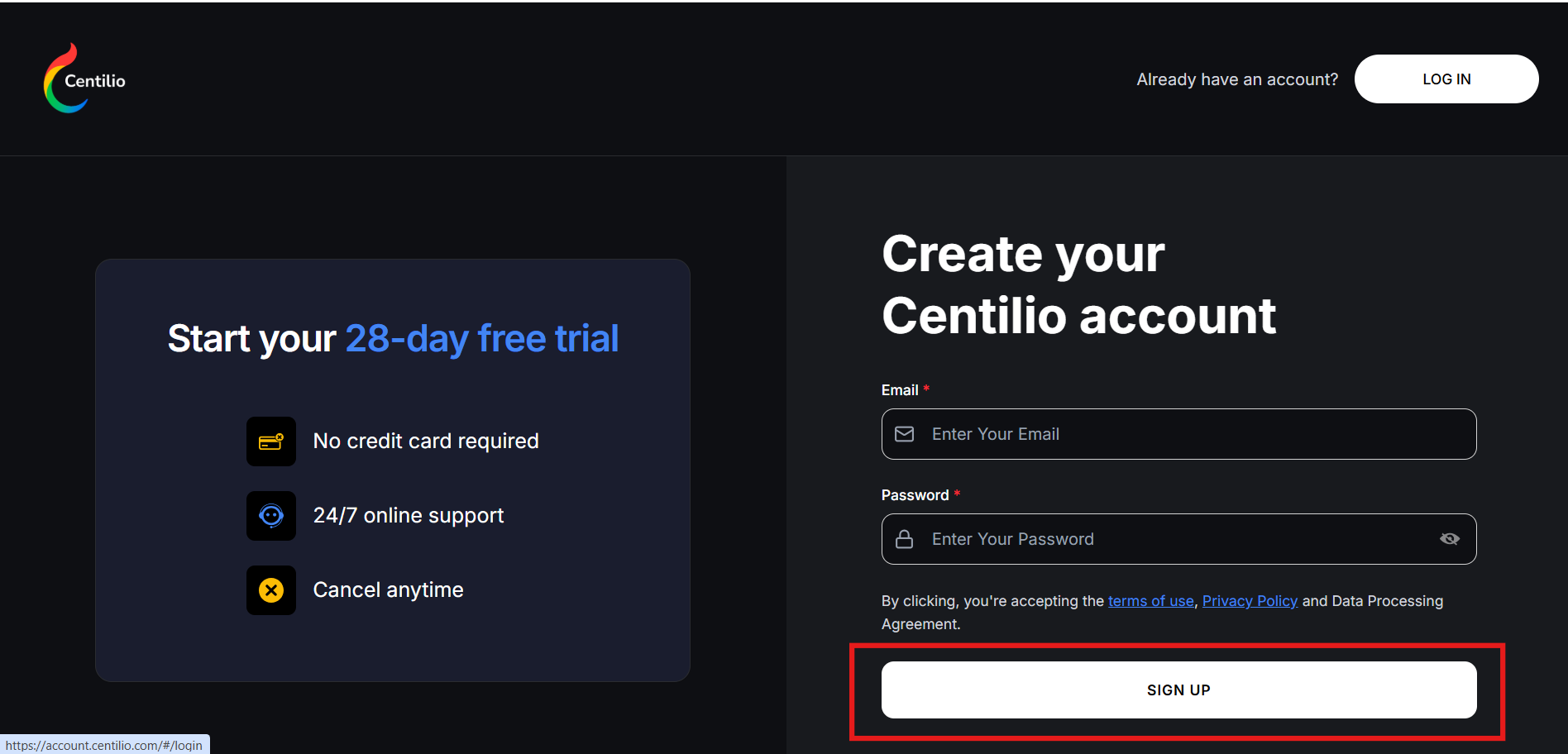
The Centilio sign-up page where you can start your free 28-day trial with no credit card required.
 Pro Tip: New users receive a free 28-day trial with full access to all features. No credit card is required to start your trial, so you can explore Centilio Sign risk-free!
Once you click 'Create Account', you'll receive a confirmation email to verify your email address. Click the verification link in the email to activate your account.
After verification, you'll have immediate access to your Centilio Sign dashboard where you can:
- Upload documents for signing
- Create your digital signature
- Send documents to others
- Track signing status
- Manage your account settings
Congratulations! You're now ready to start sending and signing documents with Centilio Sign.