

How do I log in to my Centilio Sign account?
 Getting Started Guide⏱️ 2 min read
If you already have an account, logging in is simple. Follow these steps:
- Go to www.centilio.com
- Click the 'Log In' button in the top right corner
- Enter your registered email address and password
- Click 'Sign In' to access your dashboard
Centilio Log In Page Preview:
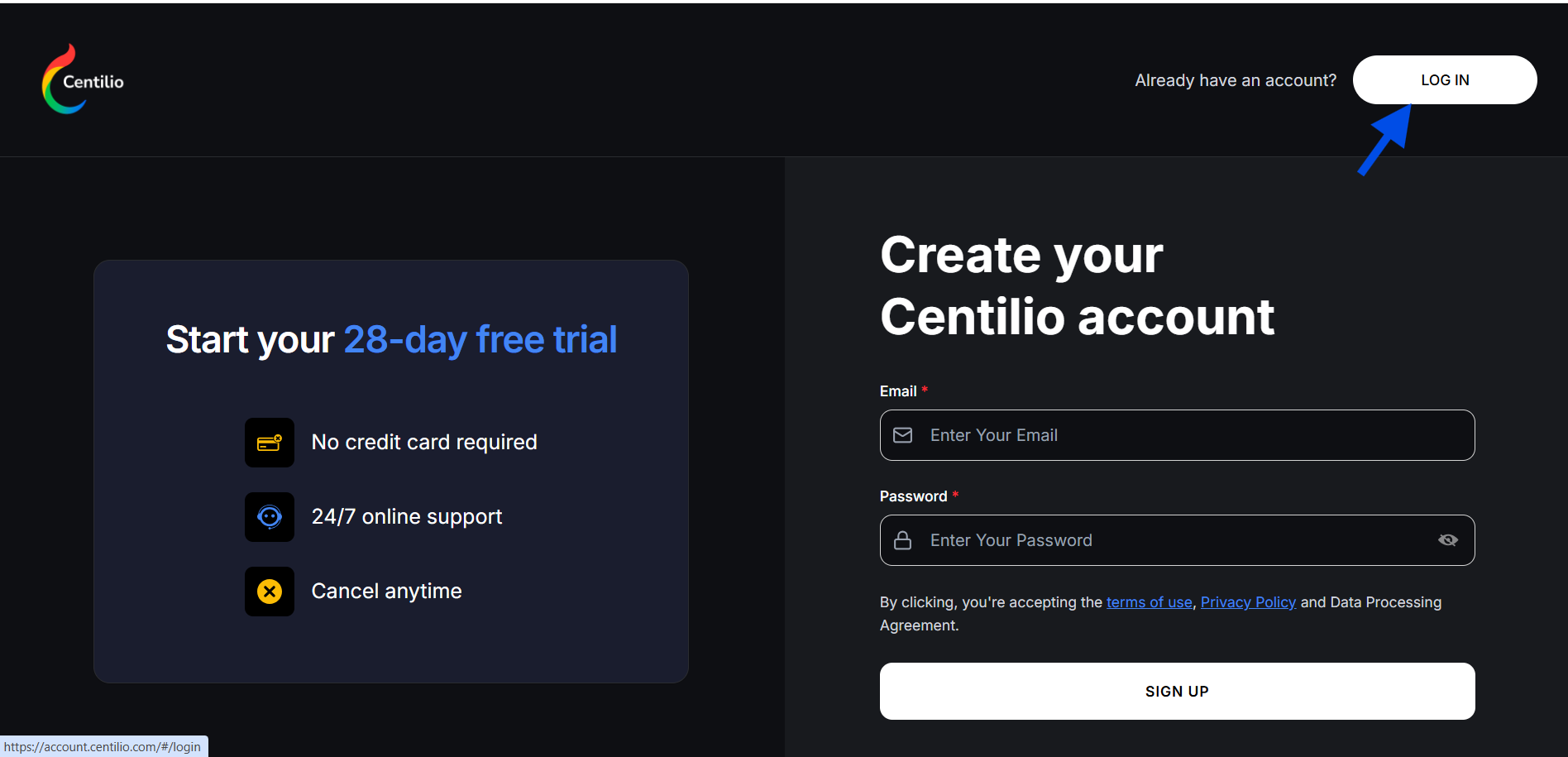
Click the 'LOG IN' button in the top right corner to access your account.
Centilio Log In Page Preview:
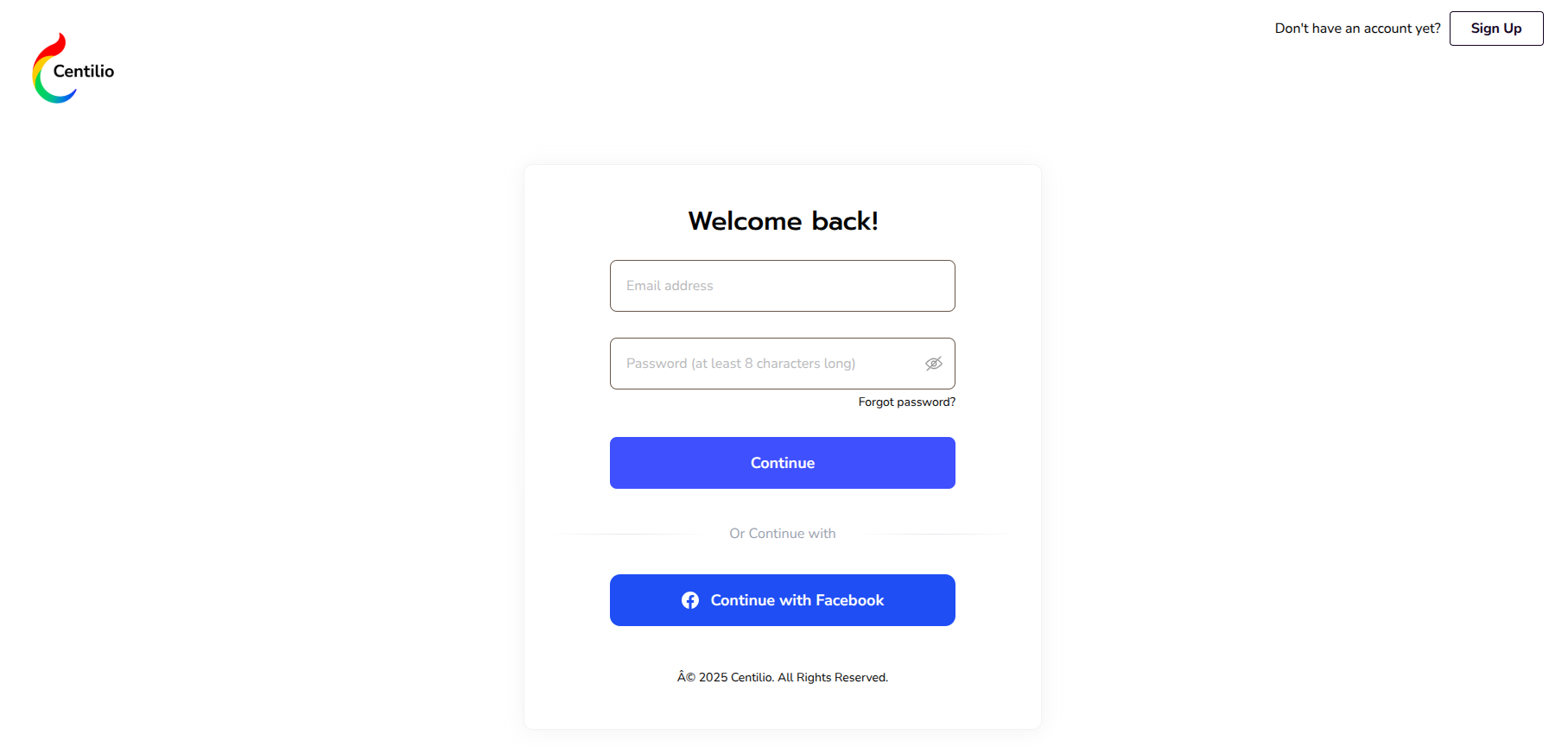
Click the 'LOG IN' button in the top right corner to access your account.
🔑 Security Tip: If you've forgotten your password, click the 'Forgot Password' link on the login page. You'll receive an email with instructions to reset your password securely.
Once logged in, you'll be taken to the Centilio dashboard where you can access all applications. From there, go to "My Apps" and select "Centilio Sign" to start working with your documents.
For enhanced security, we recommend enabling two-factor authentication (2FA) in your account settings. This adds an extra layer of protection to your account.