

How do I upload a document for signing?
 User Guide⏱️ 2 min read
Uploading documents to Centilio Sign is straightforward. You have multiple options to choose from:
- Navigate to 'My Documents' section from the sidebar
- Click the 'Upload' button
- Choose your upload method:
- Import from Google Drive
- Import from Dropbox
- Import from other cloud storage sources
- Click 'Choose File' to upload from your computer
- Select your document and it will be instantly uploaded
Document Upload Method:
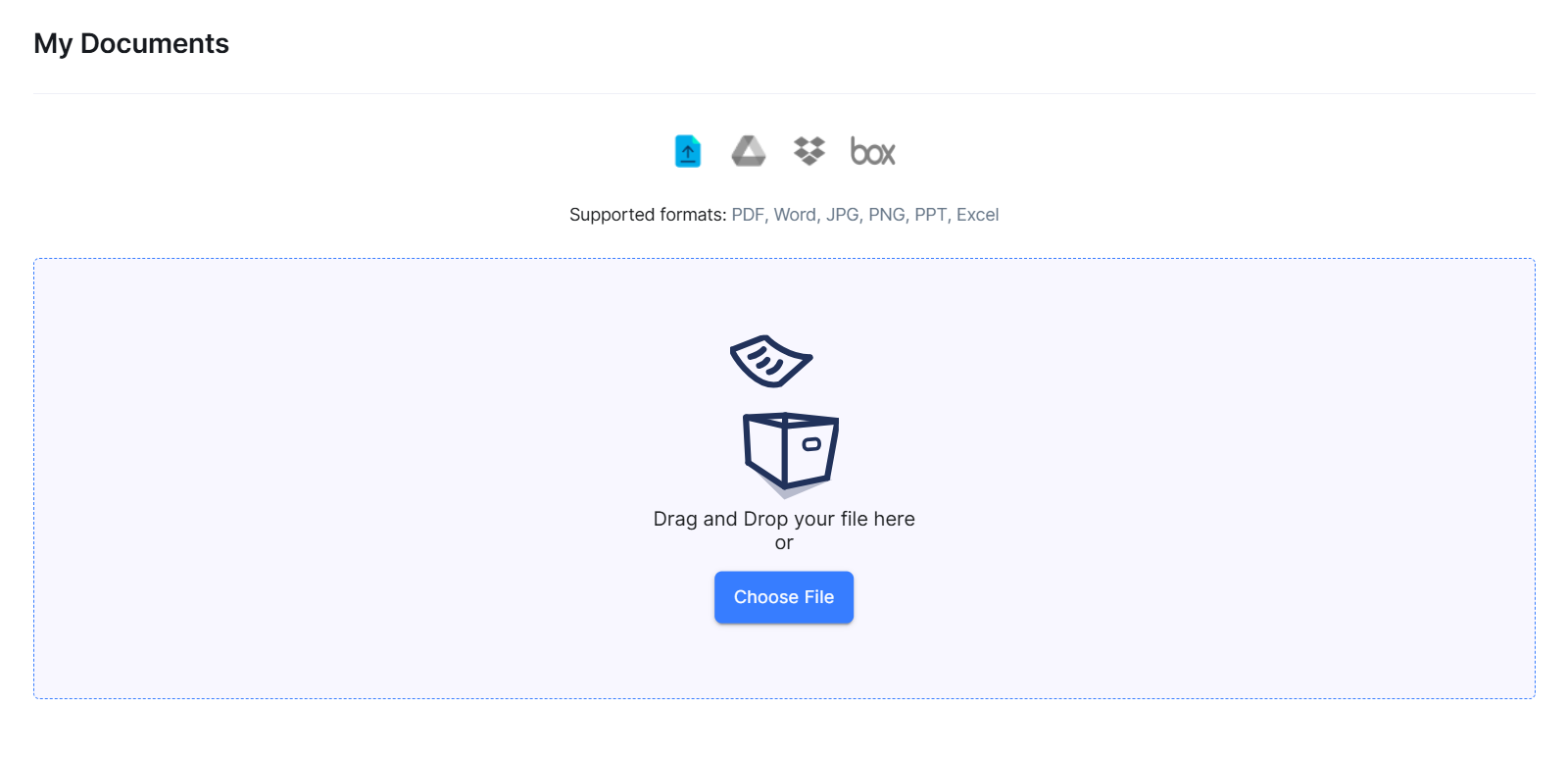
 Supported Formats: Centilio Sign supports PDF, DOC, DOCX, and most common document formats. All documents are automatically converted to PDF for signing to ensure consistency.
Once uploaded, your document will appear in your document library, ready for you to add recipients and signature fields.