
How do I add recipients to my document?
 User Guide⏱️ 2 min read
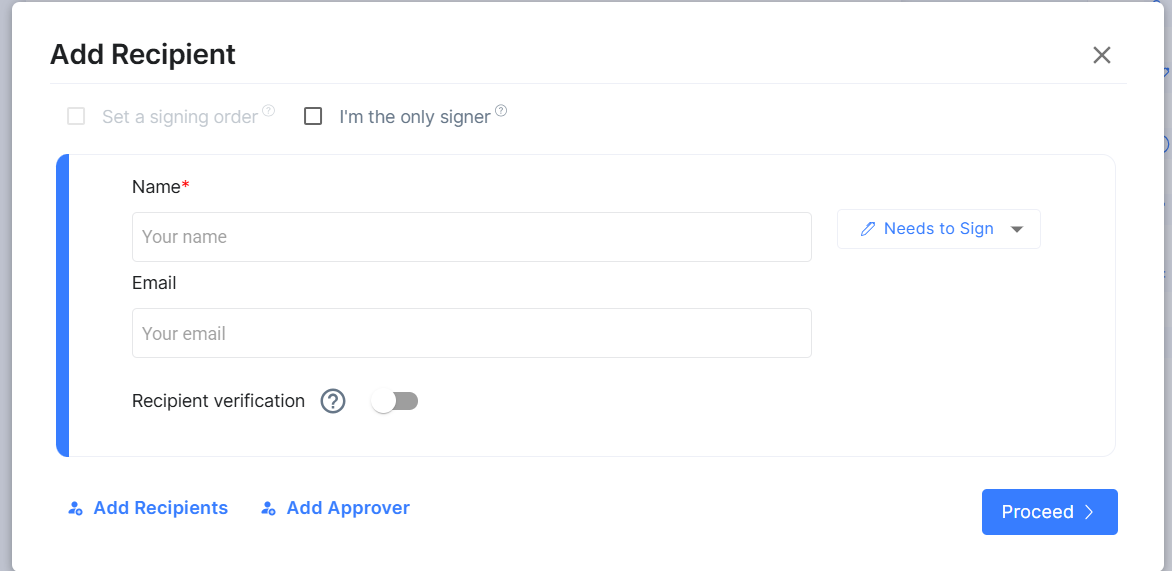
After uploading your document, you need to add recipients who will interact with it:
- Click the 'Add Recipient' button
- Enter the recipient's name and email address
- Choose their role:
- Sign: The recipient needs to sign the document
- Receive a Copy: The recipient receives a copy without signing
- View Only: The recipient can view but not sign or download
- Click 'Add' to confirm
Add Recipients to my document: