centilio
Centilio

Explore the products

A business OS.
Room to grow.

Start with one tool. Explore the wider suite as your needs grow.

Explore Centilio One ↗Product availability follows the catalogue.
FREE TEMPLATE / GOVERNMENT, TAX FORMS AND STAMP DUTY

Form I-9, Employment Eligibility Verification

The USCIS form a US employer completes for every new hire to verify their identity and authorization to work. The employee completes Section 1, and the employer examines their documents and completes Section 2.

For the United States.

The official form comes from U.S. Citizenship and Immigration Services.

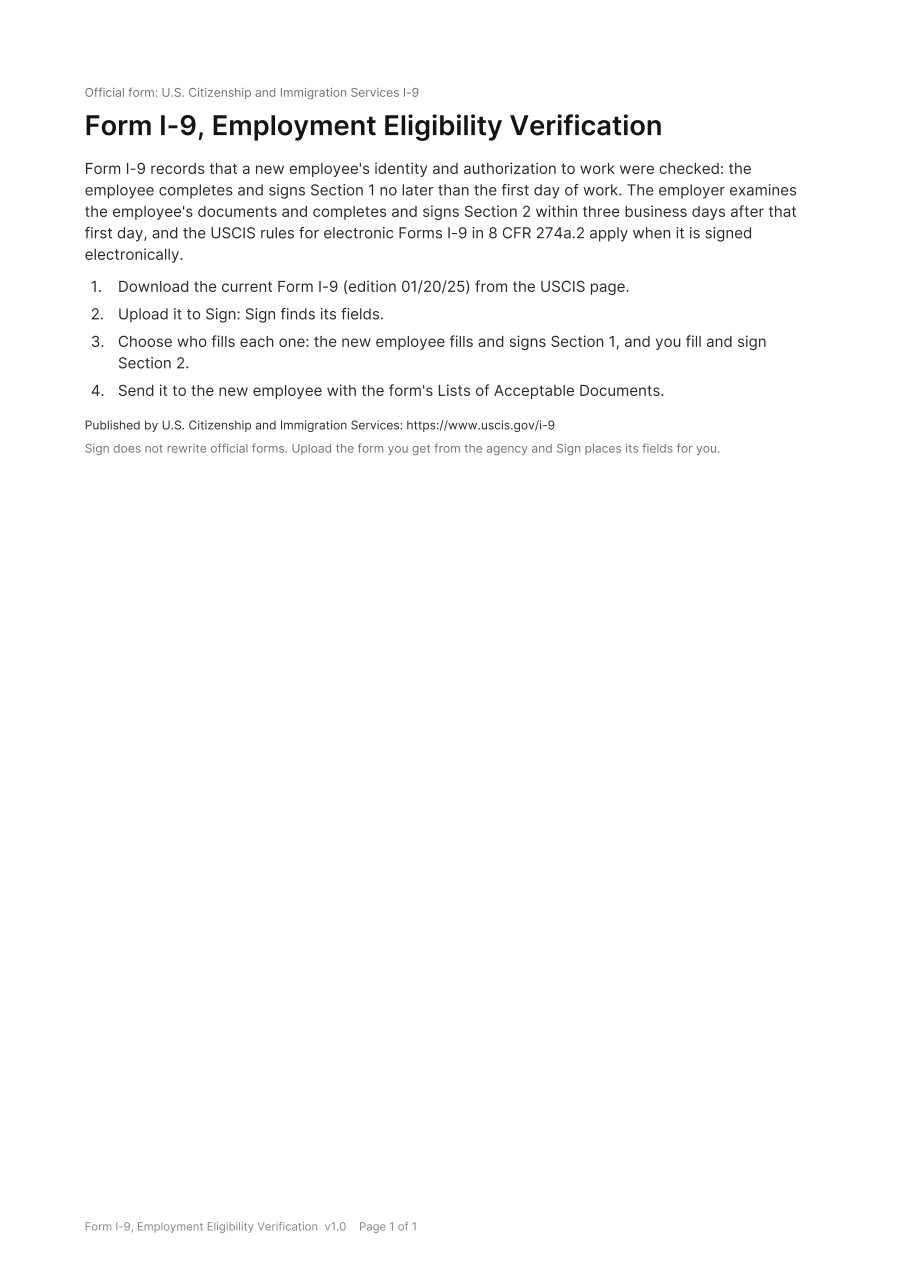
First page of the Form I-9, Employment Eligibility Verification template
PDF, 1 page, 11 KB
SIGNING RULES

How it is signed in the United States

The rules for an official government form depend on where it is signed. Laws change, so check the sources before anyone signs.

I-9

Official form

Form I-9 records that a new employee's identity and authorization to work were checked: the employee completes and signs Section 1 no later than the first day of work. The employer examines the employee's documents and completes and signs Section 2 within three business days after that first day, and the USCIS rules for electronic Forms I-9 in 8 CFR 274a.2 apply when it is signed electronically.

Steps

  1. Download the current Form I-9 (edition 01/20/25) from the USCIS page.
  2. Choose who fills each one: the new employee fills and signs Section 1, and you fill and sign Section 2.
  3. Send it to the new employee with the form's Lists of Acceptable Documents.
Source

United States

Print and sign in ink

Print it and sign it in ink.

Steps

  1. Download the current Form I-9 from USCIS.
  2. The employee completes and signs Section 1 by the first day of work.
  3. The employer examines the documents and completes Section 2 within three business days.
  4. Keep the form on file for the retention period.

What the law asks for

E-signature
Only in some casesUSCIS accepts an electronic Form I-9 only from a system that meets 8 CFR 274a.2. Otherwise the form is signed by hand.
Witnesses
None
Notary
Not needed
Remote signing
Not available
Registration
Not needed
Stamp duty
Not needed

Sources

Checked October 25, 2026 against these sources.

QUESTIONS

Common questions

Answers from the signing rules on this page.

Can the form i-9, employment eligibility verification be signed electronically in the United States?

Only in some cases in the United States. USCIS accepts an electronic Form I-9 only from a system that meets 8 CFR 274a.2. Otherwise the form is signed by hand.

How many witnesses does the form i-9, employment eligibility verification need in the United States?

None. No witness is needed in the United States.

Does the form i-9, employment eligibility verification need a notary in the United States?

No. No notary is needed.

Does the form i-9, employment eligibility verification need to be registered in the United States?

No. It is not registered.

Is stamp duty due on the form i-9, employment eligibility verification in the United States?

No stamp duty is due.

Can the form i-9, employment eligibility verification be signed or witnessed remotely in the United States?

No.

THE RIGHT TEMPLATE

Where it fits

For employers hiring anyone to work in the United States, citizen or not. Not for independent contractors. The current edition is dated 01/20/25. Sign does not rewrite it: you upload the official form, and it is signed electronically only where the system meets the DHS rules for electronic Forms I-9.

A CAREFUL CHECK

Before you rely on it

Original Centilio wording, not legal advice. USCIS says its fillable PDF must be printed and signed by hand because the PDF alone does not meet the DHS standards for electronic Forms I-9, so an I-9 is signed electronically only in a system that meets 8 CFR 274a.2. It does not cover E-Verify, Supplement B (reverification and rehire), remote examination of documents or how long to keep the form. Ask an immigration or employment lawyer about anything unusual.